See, control, and modify the host.
Use the desktop and applications according to the permissions of the signed-in workstation account.
Secure remote control for your own powerful workstations
Arcen is secure remote-control software for powerful Linux and Windows workstations. From a Mac, an artist or engineer can see and control the workstation as if sitting beside it. The workstation—not Arcen—runs the applications and stores the project files.
Available today: a direct, encrypted Deck-to-Pier connection over your LAN or VPN. You install it, operate it, and license it offline.
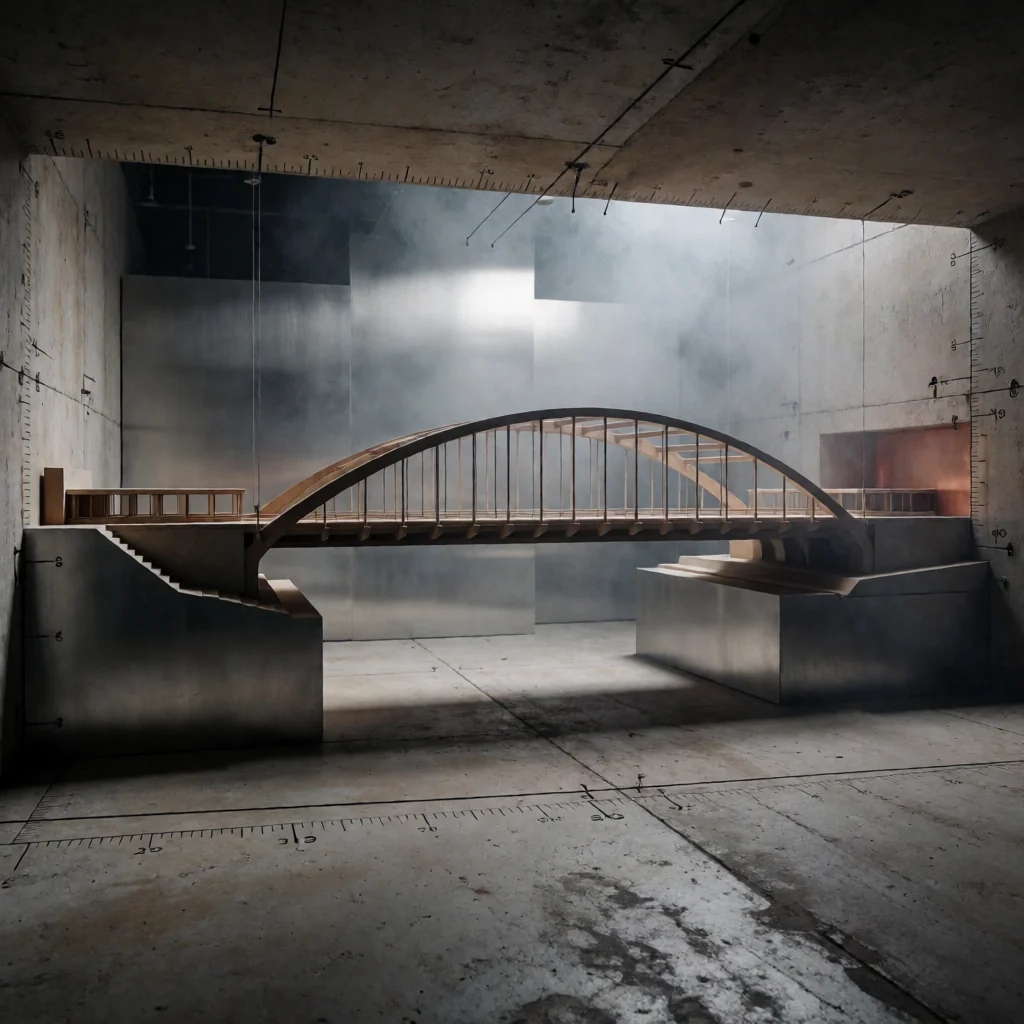
No online service required
Many remote-access products depend on vendor-operated internet services. Arcen is built for customer-operated networks—including air-gapped environments with no internet connection.
Available now
Install Arcen Deck on the Mac and Arcen Pier on the Linux or Windows workstation. Deck connects to the Pier address supplied by your IT team over the LAN or VPN route you already control.
Use the desktop and applications according to the permissions of the signed-in workstation account.
Use the workstation's GPU and applications while Deck carries the interactive work surface.
The workstation OS controls file access. Pier settings control clipboard, audio, and microphone features.
Direct sessions and the annual Pier licence check run locally on infrastructure you operate.
What this purchase is: secure remote-control software for macOS Deck and Linux or Windows Pier.
Why teams use it
Arcen is built for teams whose important applications, GPU power, and project data belong on workstations they operate—not on every laptop an operator carries.
Arcen remote-controls the host. Storage, filesystem permissions, backups, and project security remain under systems operated by the customer.
Artists and engineers can work from somewhere else while the applications and compute remain on the workstation.
Deck connects to the Pier address you provide. The workstation OS still decides which files and projects the signed-in user may access.
Need certificate paths, protocol details, authentication order, or session-policy controls?
Read the technical architectureBuilt for serious work
The product is the same direct workstation connection. The operating problem changes by team.
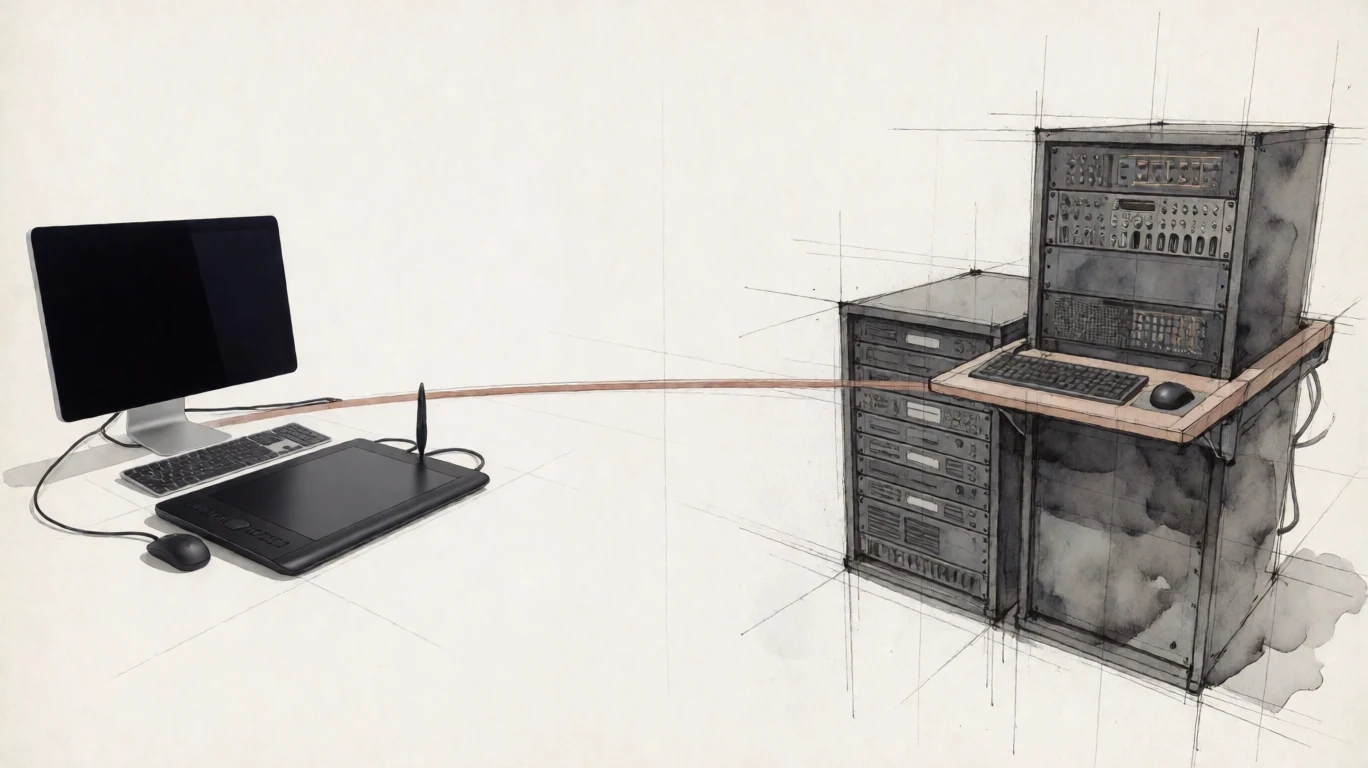 VFX and media
Remote colour, finishing, 3D, and editorial work with pen input, workstation audio, and GPU media paths.
See the VFX workflow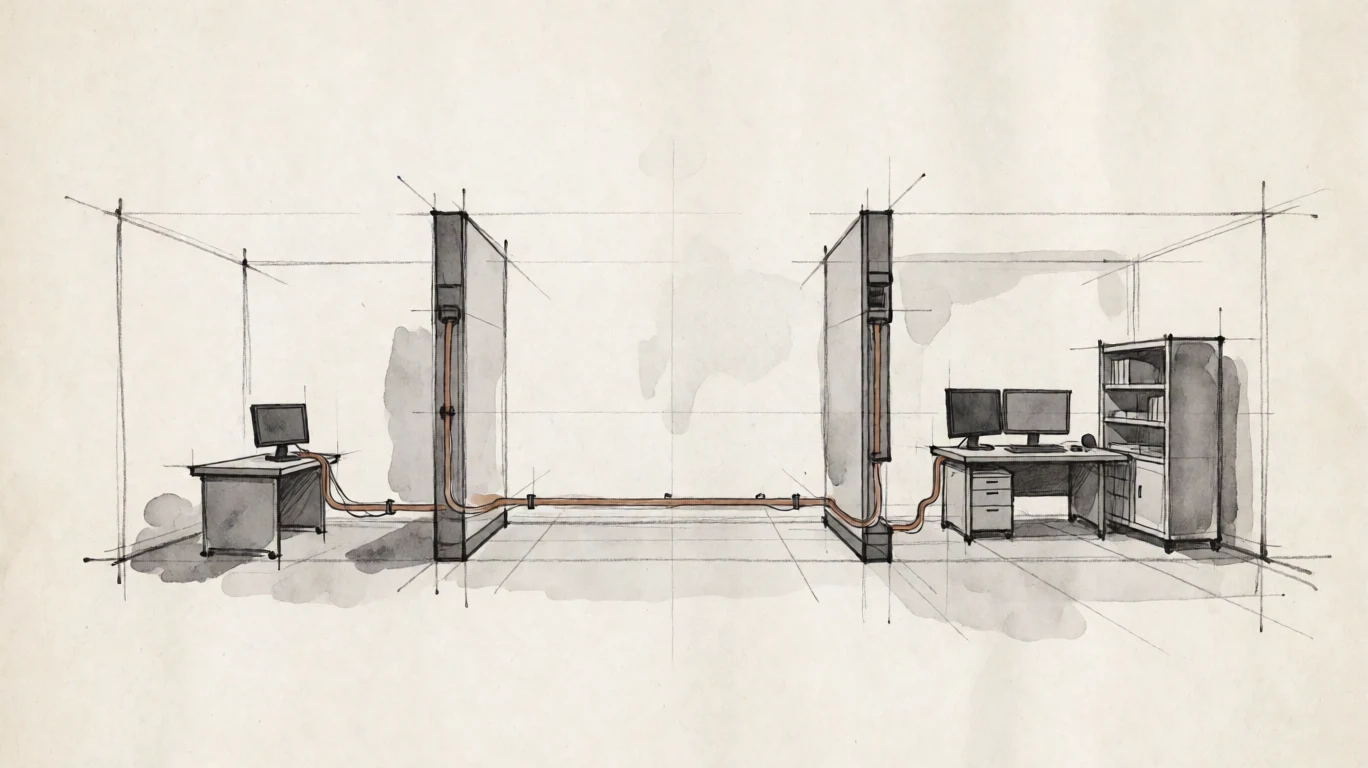 Defence and engineering
Customer-hosted access for CAD, simulation, secure engineering, and locally controlled environments.
See the engineering workflow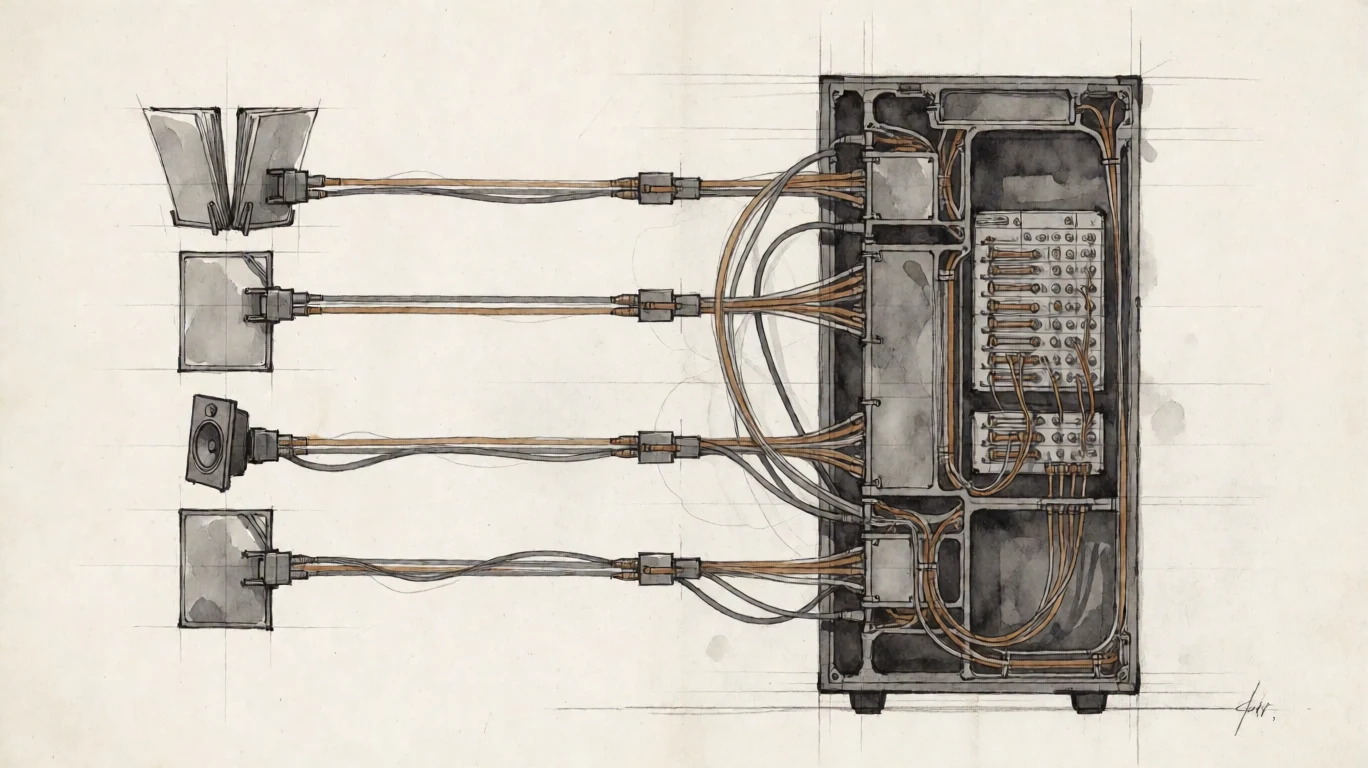 Legal and government
Remote-control a workstation near the documents while storage, accounts, and file permissions remain under customer operation.
See the document workflowWhat you can buy today
Buy a Pier licence for each Linux or Windows workstation. The current macOS Deck application is included.
€199per Pier, per year
The licence verifies offline against the workstation HostID. Direct sessions do not depend on an Arcen-operated service or an internet connection.
Arcen is under active development. Pricing is planning, not an offer. Arcen does not claim certification, regulatory approval, guaranteed latency, or suitability for a specific classified environment.
Full power. No distance.
Start with one workstation. Keep the machine, applications, and critical project data on infrastructure you control.