
Files can stay on the workstation or file server.
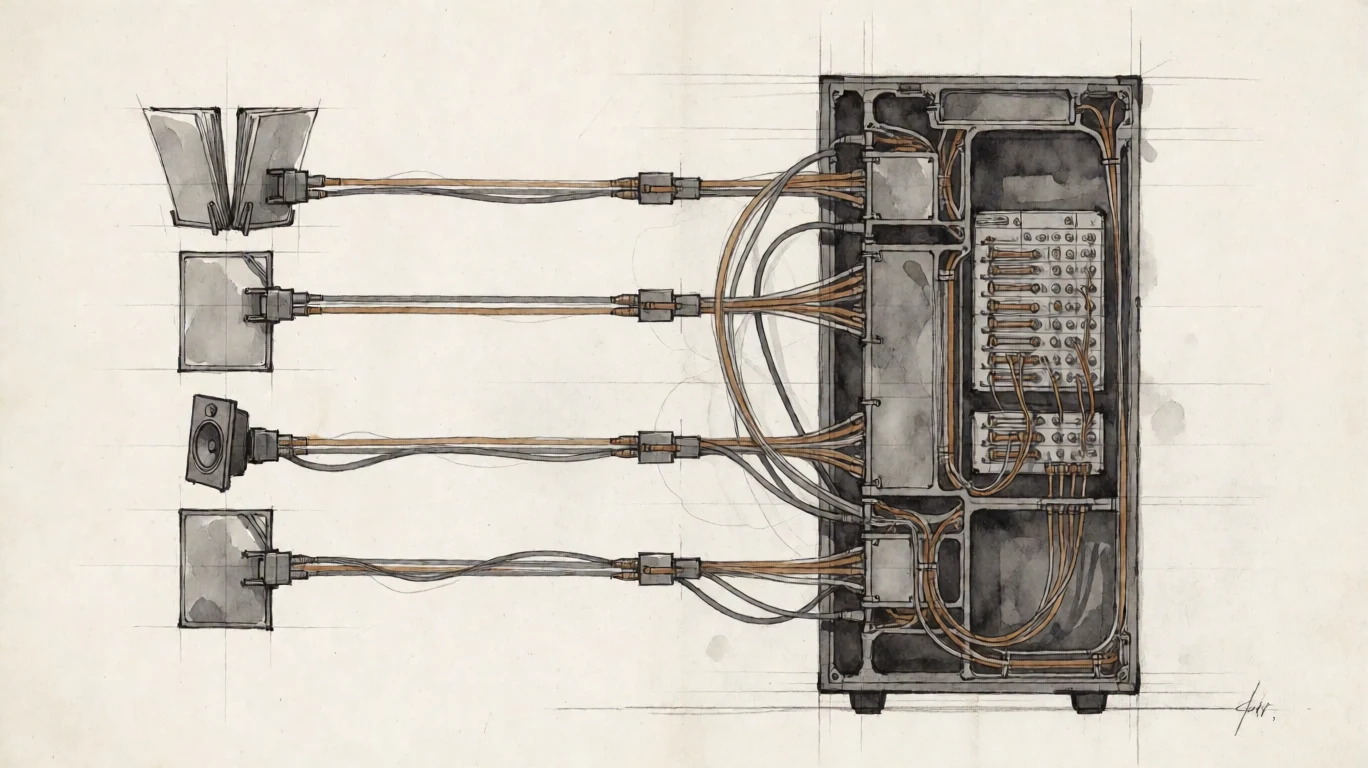
Arcen remote-controls the workstation. It does not upload the project files into an Arcen service.
Legal and government
Arcen lets an authorized person remote-control a Linux or Windows workstation from a Mac. The files can stay on the workstation or a file server inside the customer environment.
A practical deployment
A server room or controlled office can hold the workstation and document storage. Staff, reviewers, or clients use Deck from a separate office over the private route supplied by the operator.
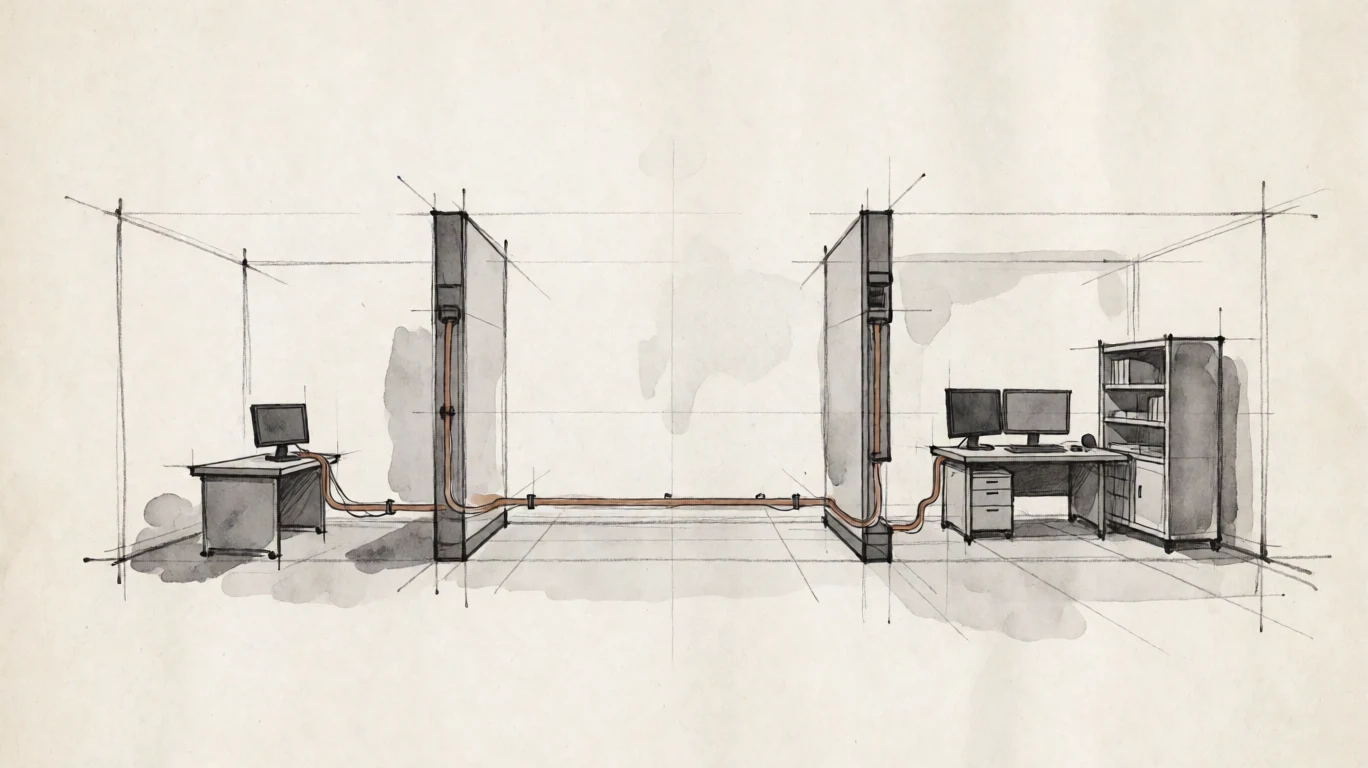
Arcen remote-controls the workstation. It does not upload the project files into an Arcen service.
The target operating system and customer storage remain authoritative for files, permissions, and applications.
The sysadmin can disable clipboard transfer, workstation audio, or Deck microphone input in the Pier configuration.
What crosses the connection
The workstation display is encoded and sent to Deck so the person can read and edit it. Keyboard, mouse, pen, and enabled session features travel back to Pier over the encrypted connection.
The file can stay inside the customer environment even though its visible contents are presented remotely.
Input is applied on Pier according to the signed-in operating-system account and application permissions.
These channels can be limited or disabled by the Pier configuration. Deck cannot widen that policy.
Customer-operated and European-built
Direct sessions, workstation authentication, certificate trust, and current Pier licence checks can run without contacting Arcen or the public internet.
Arcen itself is European-built and customer-operated. The surrounding operating systems, applications, storage, and network remain the customer's choice.
A person allowed to view information may still reproduce it with a screenshot, camera, transcription, or application feature. Customer policy and physical controls remain necessary.
Current product
The current product is macOS Deck connecting directly to one Linux or Windows Pier over the LAN or VPN supplied by the operator. Planned Span discovery and group-filtered workstation lists are not included today.
EUR 199per Pier / year
Arcen does not claim legal, regulatory, records-management, privacy, or information-classification compliance. Each organisation must evaluate its network, endpoint, identity, storage, physical-security, and user-control requirements.
Technical evidence
Inspect transport, certificate trust, OS authentication, host policy, and offline licensing.
Open the technical page