
Use the workstation as built.
Applications, plugins, GPUs, caches, licence clients, and mounted storage stay in place.
Media and VFX
Give editors, colourists, and VFX artists responsive access to the Linux or Windows workstation already connected to shared storage, installed applications, plugins, GPUs, and specialist hardware.
The operating problem
Source media, caches, plugins, colour pipelines, licence services, GPUs, and storage are already coupled in the facility. Rebuilding that environment elsewhere creates another production stack to operate.
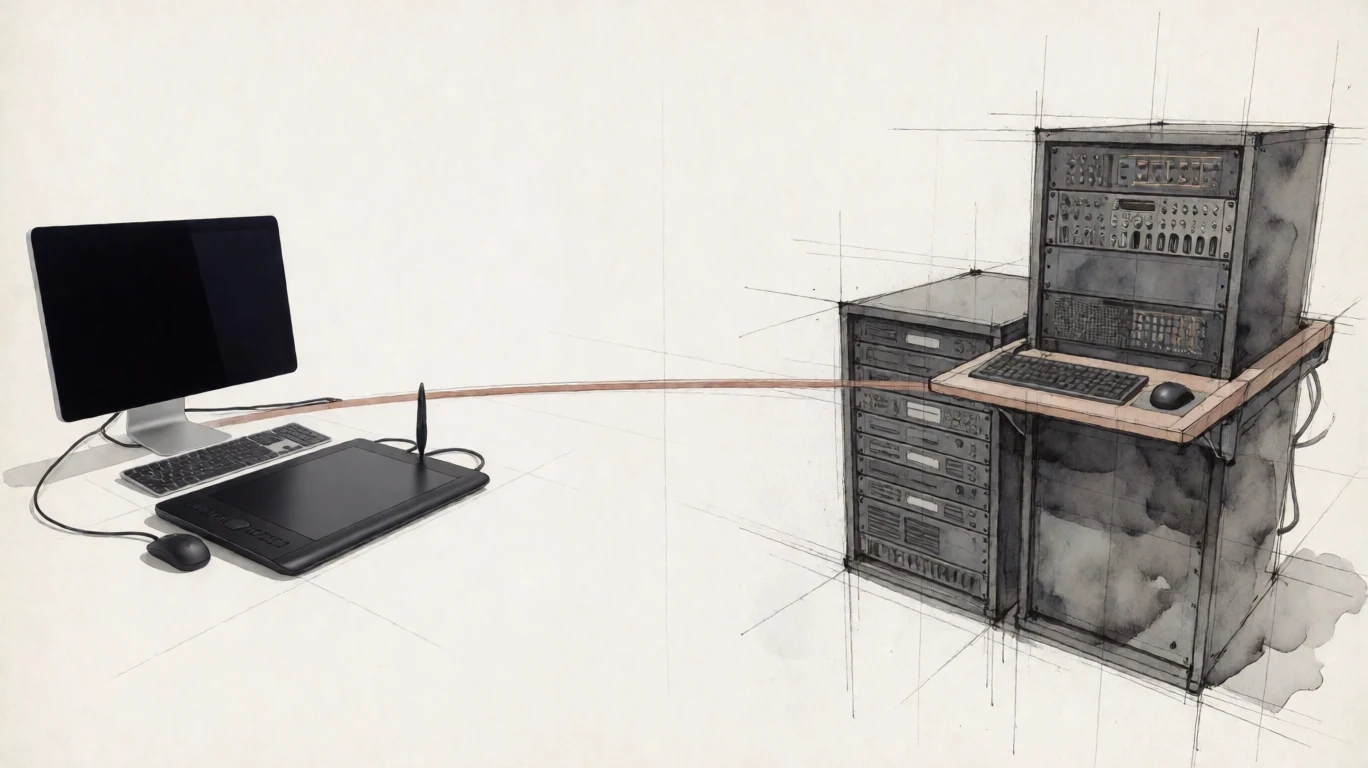
Applications, plugins, GPUs, caches, licence clients, and mounted storage stay in place.
Deck carries keyboard, mouse, and professional pen input to Pier.
Pier can publish workstation audio for editing and review, or the operator can disable it.
A practical freelancer handoff
When a freelancer needs to begin quickly, keep the project on studio storage and give the authorized artist remote control of a workstation already connected to the production environment.
The studio keeps the media on its existing storage and makes one Pier reachable over its LAN or customer VPN.
The freelancer uses the route and workstation credentials provided by the studio. Arcen does not create the account or VPN access.
The applications execute on Pier and the project files stay on studio storage instead of being copied to a drive and shipped.
Boundary: Remote control presents frames to the artist. It is not anti-piracy or leak prevention; screen capture, a camera, or application export may still reproduce information.
Creative proof
Arcen is engineered for responsive, high-quality workstation access. A studio should judge colour, codecs, display layout, peripherals, and latency on its own pipeline and production content.
Generated interfaces are never used as product proof.
Operator control
Pier controls clipboard direction, content type, transfer size, workstation audio, and microphone input. Deck cannot widen the policy.
Allow both directions, one direction, or none; permit text, PNG images, or both within a host-defined limit.
Enable workstation audio for editorial and review, or disable the channel.
Deck microphone input is configured independently and packaged off by default.
Direct sessions, OS authentication, and current Pier licence verification work without contacting Arcen.
Shift economics
A Pier licence is tied to the workstation HostID. Three artists using one workstation across three shifts still use one Pier licence. Creative-application licensing remains separate and runs on the Pier.
EUR 199per Pier / year
macOS Deck with Linux and Windows Pier is the current platform path. Display topologies, peripheral coverage, and release availability must be checked against the published product status. Customer-hosted Arcen Span is planned.
Technical evidence
Review transport, certificate trust, OS authentication, session policy, and offline licensing.
Open the technical page