
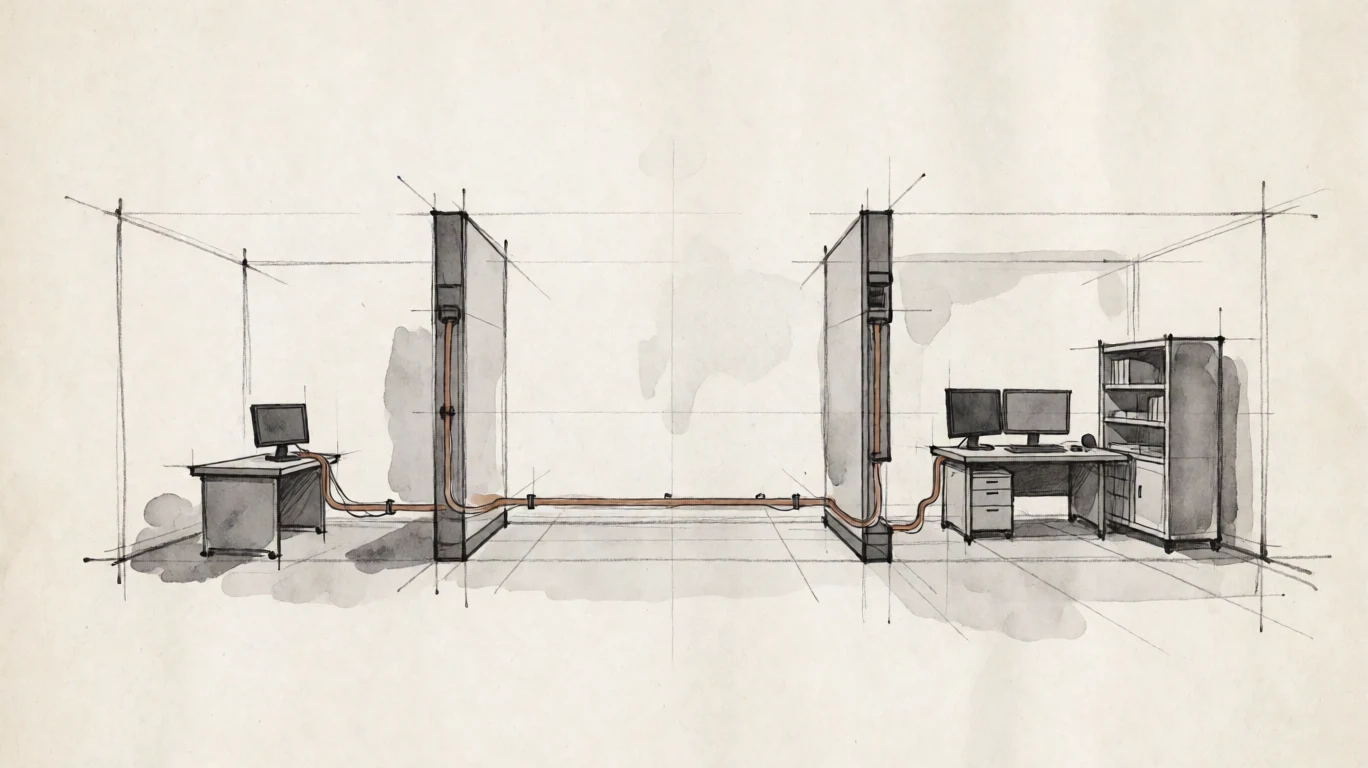
Deck connects straight to Pier.
Today the operator's network must provide the route. If Deck cannot reach Pier, no direct session forms.
Defence and engineering
Reach Linux or Windows GPU workstations from macOS Deck while identity, trust, session policy, traffic, and licence verification remain in systems you operate.
The operating problem
A vendor identity service, connection broker, licence check, or certificate authority outside the operating boundary creates a system the operator must continuously reach and trust.
Today the operator's network must provide the route. If Deck cannot reach Pier, no direct session forms.
Linux Piers authenticate through PAM. Windows Piers use the operating-system credential path.
Current node-locked Pier licences verify offline against workstation HostID.
Connection paths
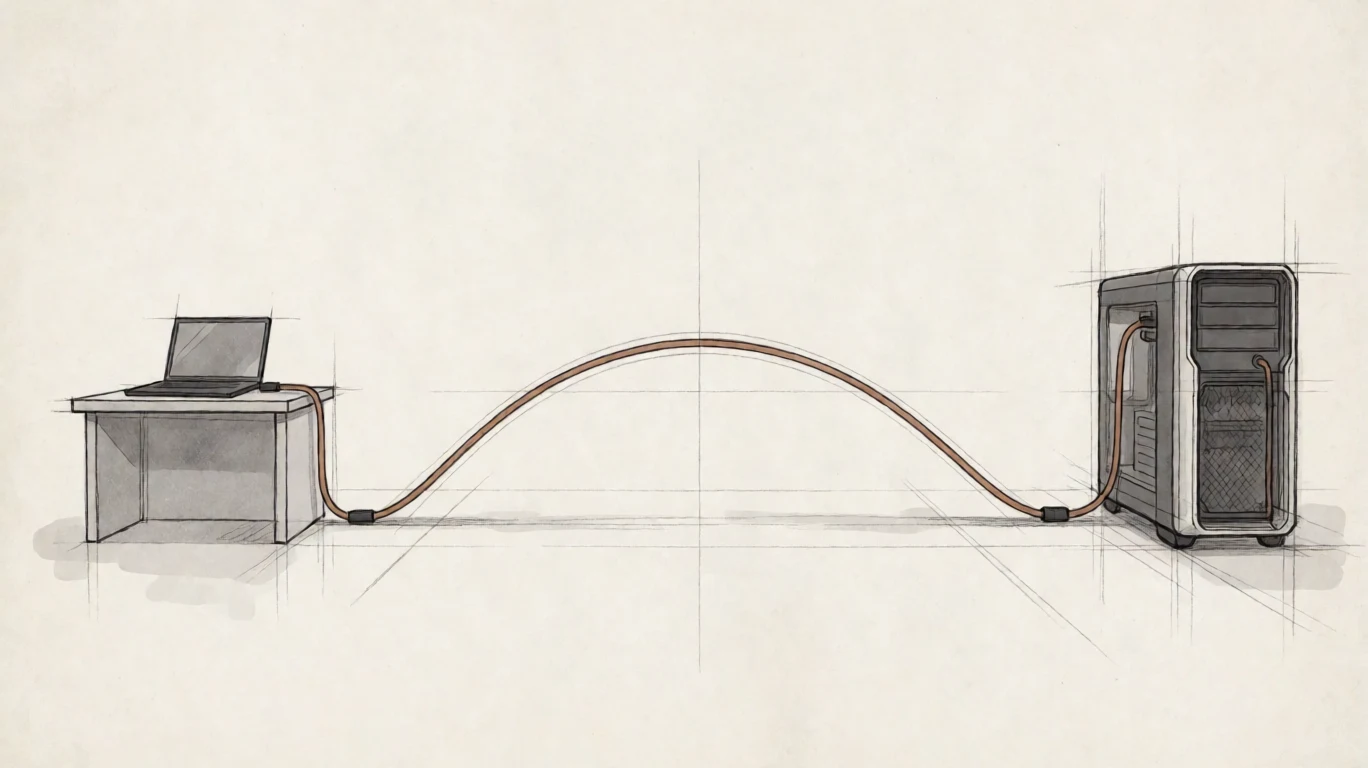
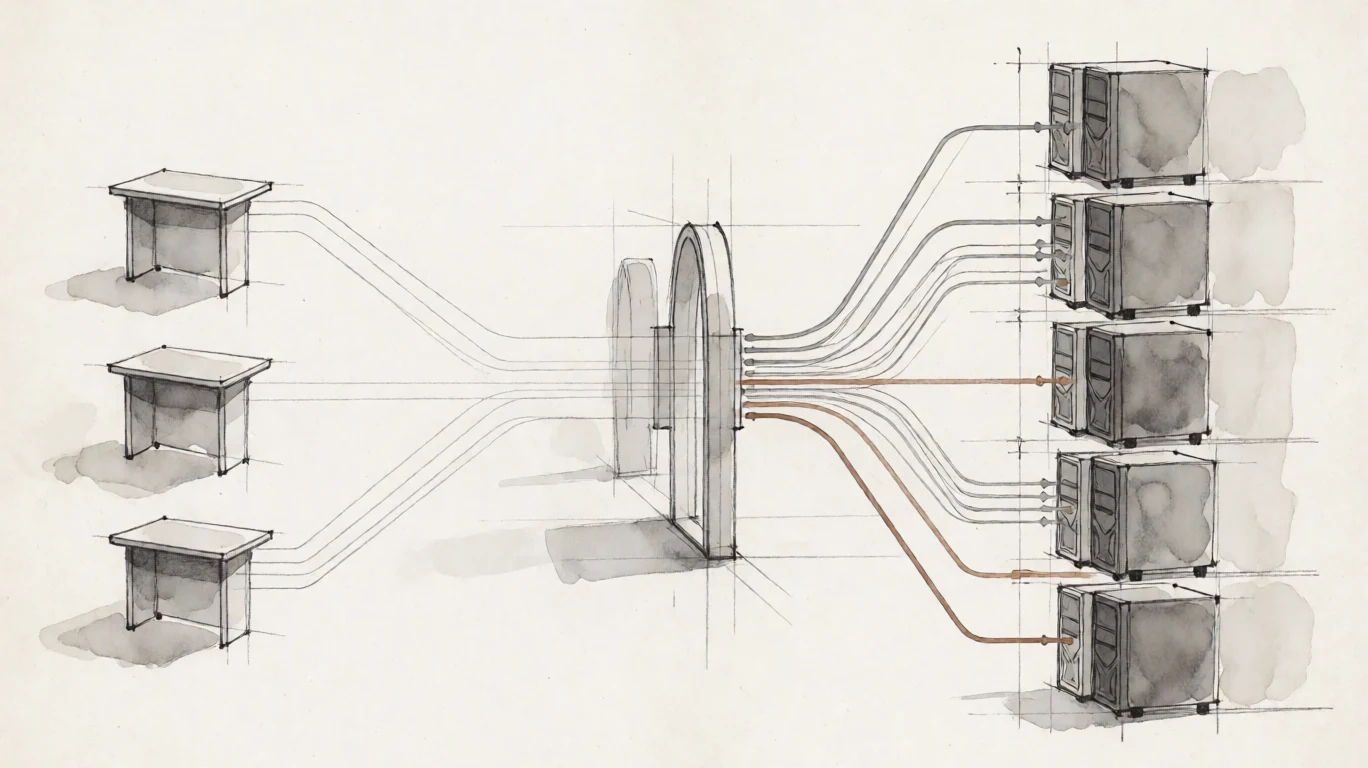
Direct is the current one-to-one path over an operator LAN or VPN. Planned Span adds one customer address, group-filtered discovery, and either a gateway stream or a policy-approved direct handoff.
Trust before credentials
Pier supports an operator-provided certificate or a Pier-generated self-signed certificate. Both paths resolve trust before the workstation receives credentials.
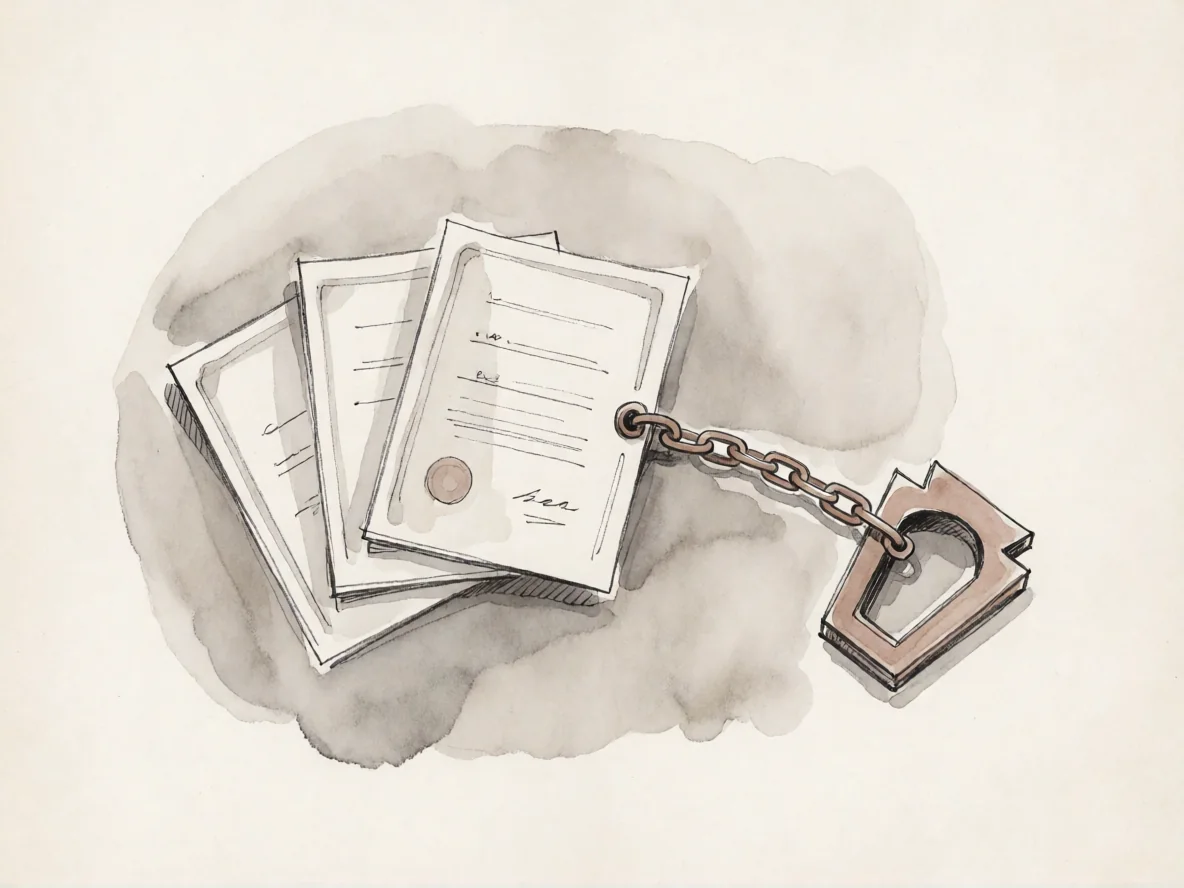
Deck validates the complete chain against trust anchors you control. A broken, expired, or untrusted chain ends the connection with no override.
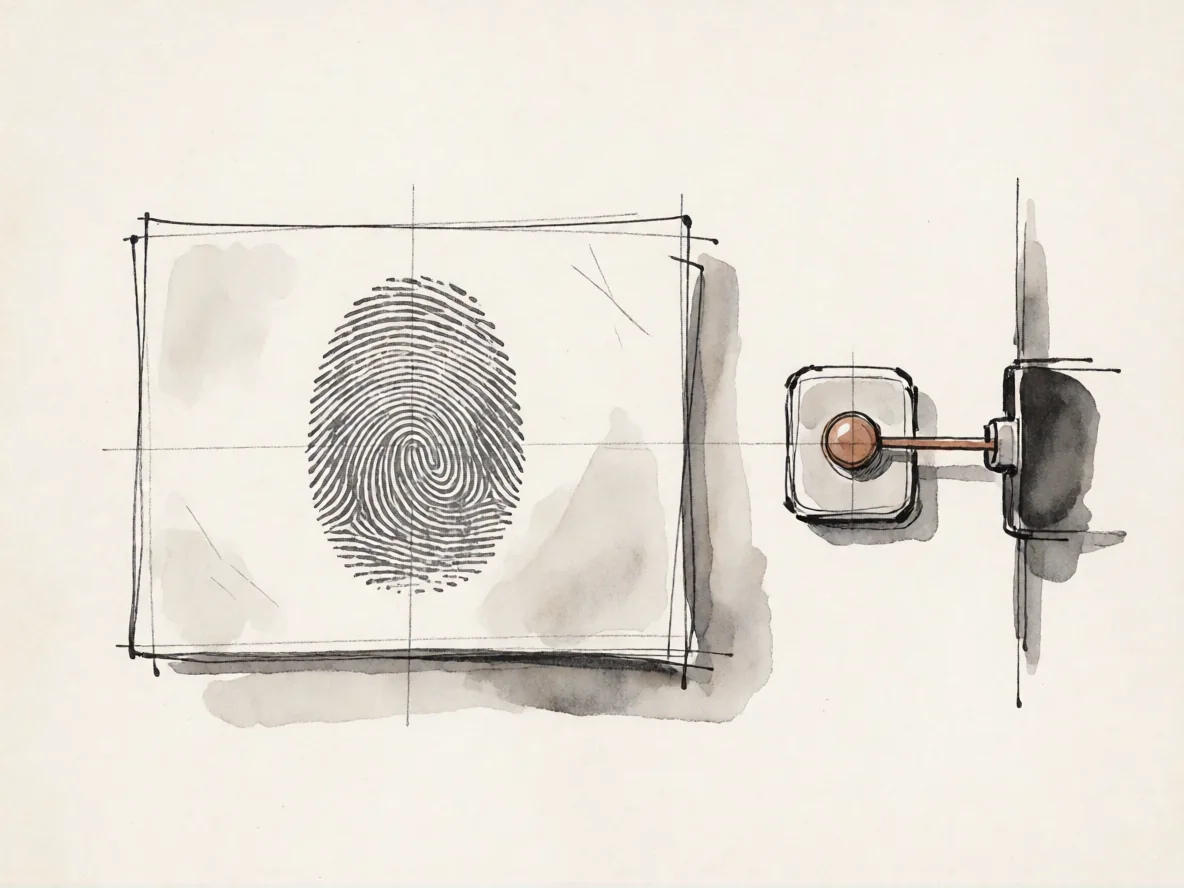
Deck shows the SHA-256 fingerprint on first contact. Verify it out of band before acceptance; later change is a hard refusal.
Host-authoritative policy
Pier defines the permitted session channels. The connecting user cannot widen clipboard, audio, or microphone policy from Deck.
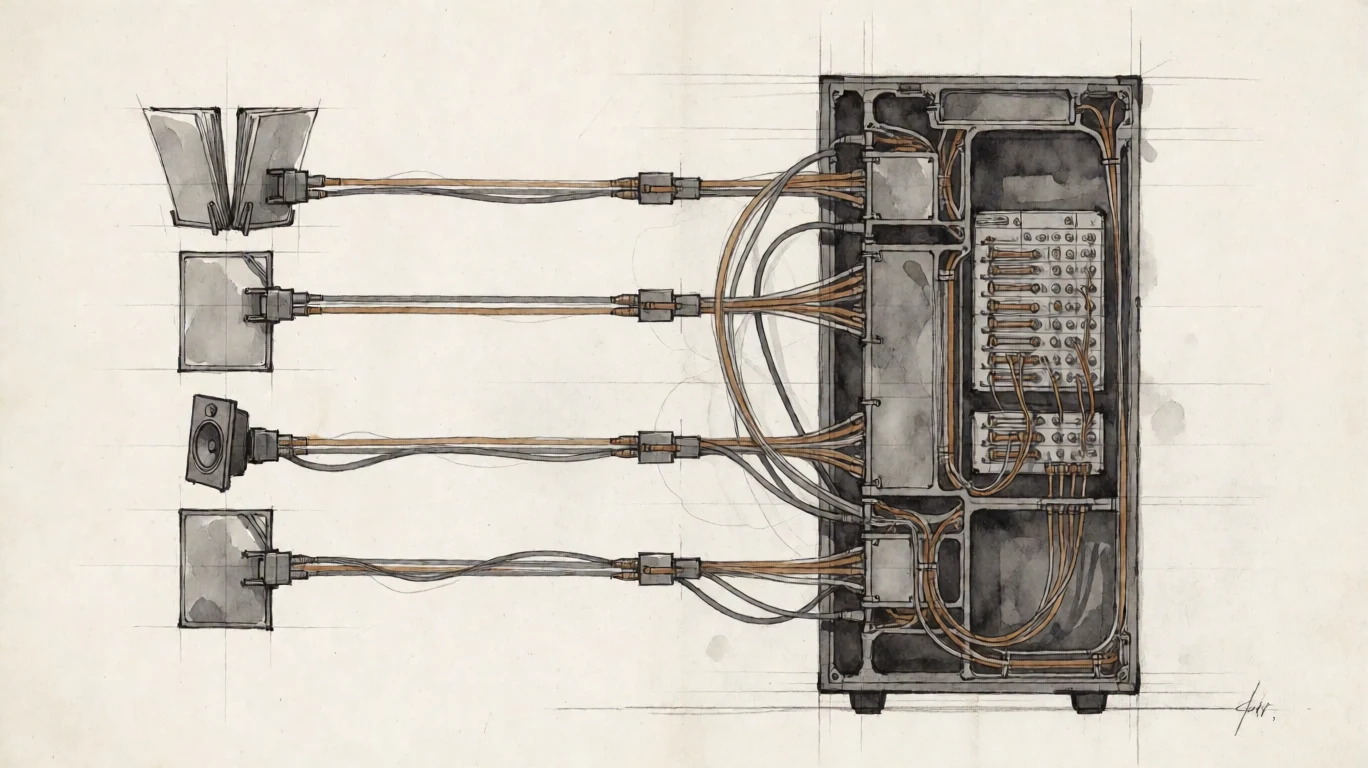
Allow both directions, one direction, or disable clipboard completely.
Permit text, PNG images, or both within a host-defined transfer limit.
Workstation audio is controlled independently in Pier configuration.
Deck microphone input is independently configured. The packaged default is disabled.
These settings govern the corresponding Arcen channels. They do not prevent photography, endpoint capture, manual transcription, or modification through permitted keyboard, mouse, and pen input.
Operational ownership
Arcen removes runtime dependence on an Arcen service. It does not remove the operator's responsibility for identity, trust, network reachability, approved software, and deployment procedure.
Assess installers, signing, update transport, rollback, and target-native validation against your process.
Workstation accounts and operator trust anchors remain the systems of record.
Current node-locked entitlement is tied to workstation HostID and verifies without a runtime network service.
Direct sessions, OS authentication, and current licence verification do not require Arcen or the internet to be reachable.
Operational evidence
These frames remain reserved until genuine product captures can show the evaluator exactly what is installed, configured, and refused.
Generated interfaces are never used as product proof.
Known limits
No. View-only requires host-enforced suppression of keyboard, mouse, and pen input. Arcen does not currently make that claim.
No. They control the corresponding Arcen channels; they cannot prevent photography, endpoint capture, or manual transcription.
No. Arcen makes no claim of certification, regulatory approval, compliance, or suitability for a specific classified environment.
macOS Deck with Linux and Windows Pier is the current platform path. Customer-hosted Arcen Span is planned. Operators must assess network architecture, endpoints, release signing, update procedures, and platform validation against their requirements.
Technical evidence
Review certificate paths, authentication, session policy, architecture, and offline licensing.
Open the technical page